Video Guide • In Hindi
How to list your property in 6 steps
Short videos that walk you through the partner portal, from creating your account to submitting your listing. Watch them in order and follow along.
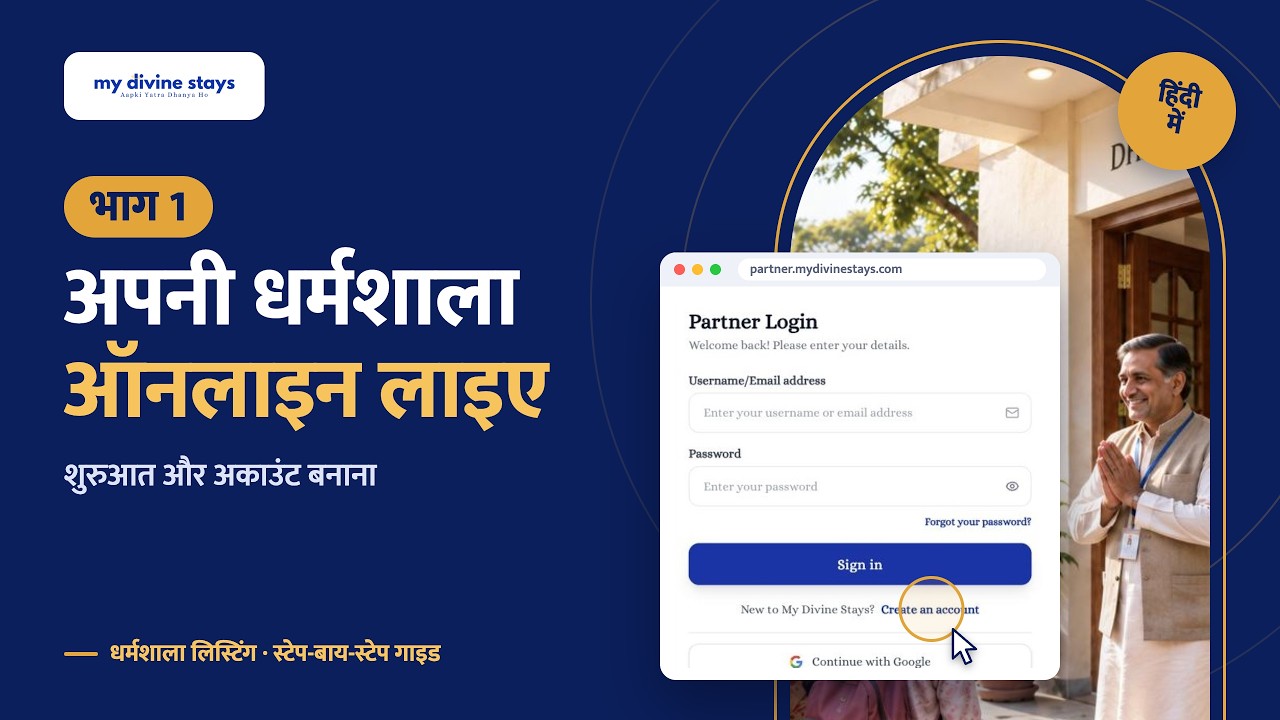
1:44
Part 1
Getting started
What My Divine Stays is and how to create your partner account.
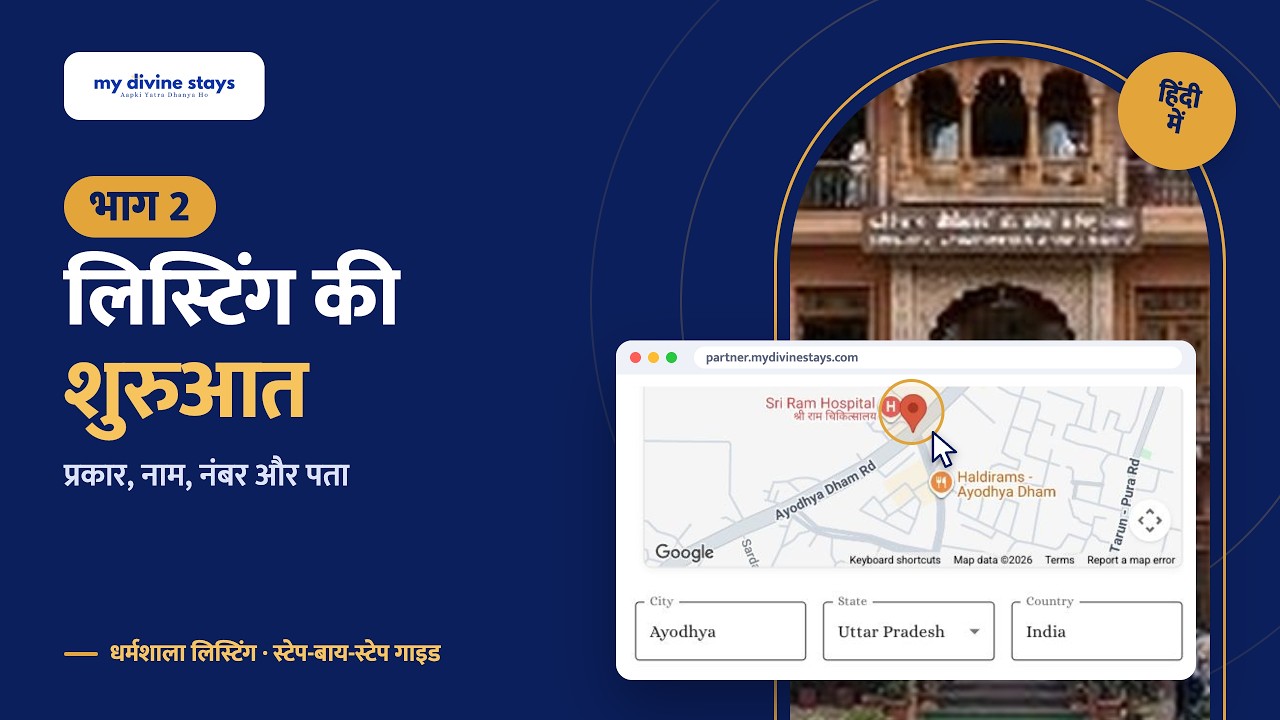
3:22
Part 2
Starting your listing
Property type, name, contact number and address.
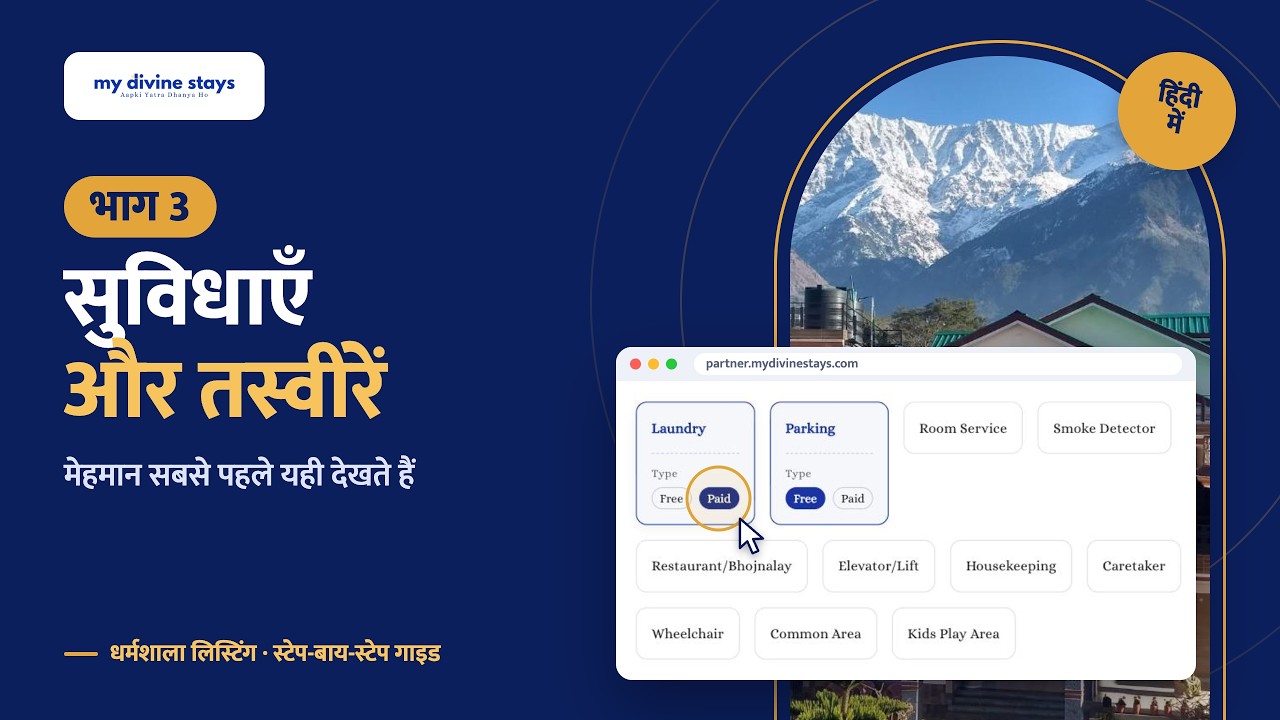
1:28
Part 3
Amenities and photos
Choose your amenities and upload good photos.
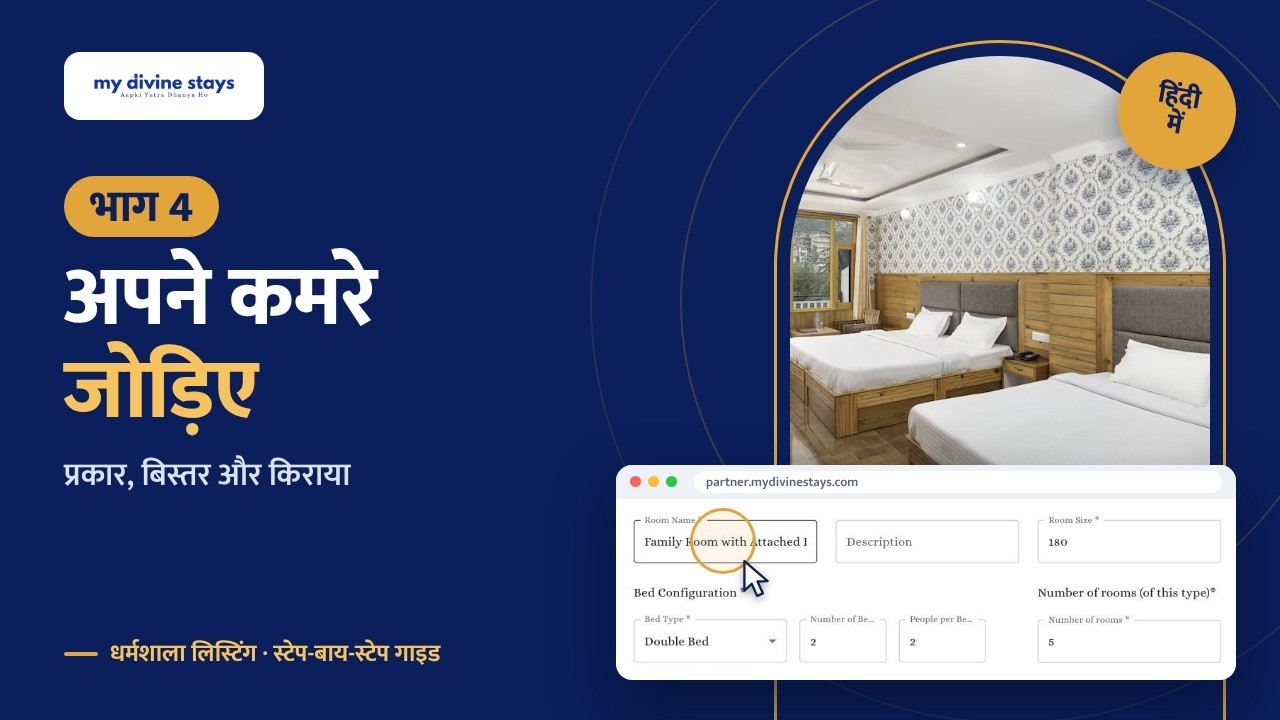
2:28
Part 4
Adding your rooms
Room types, beds and rates.
1:40
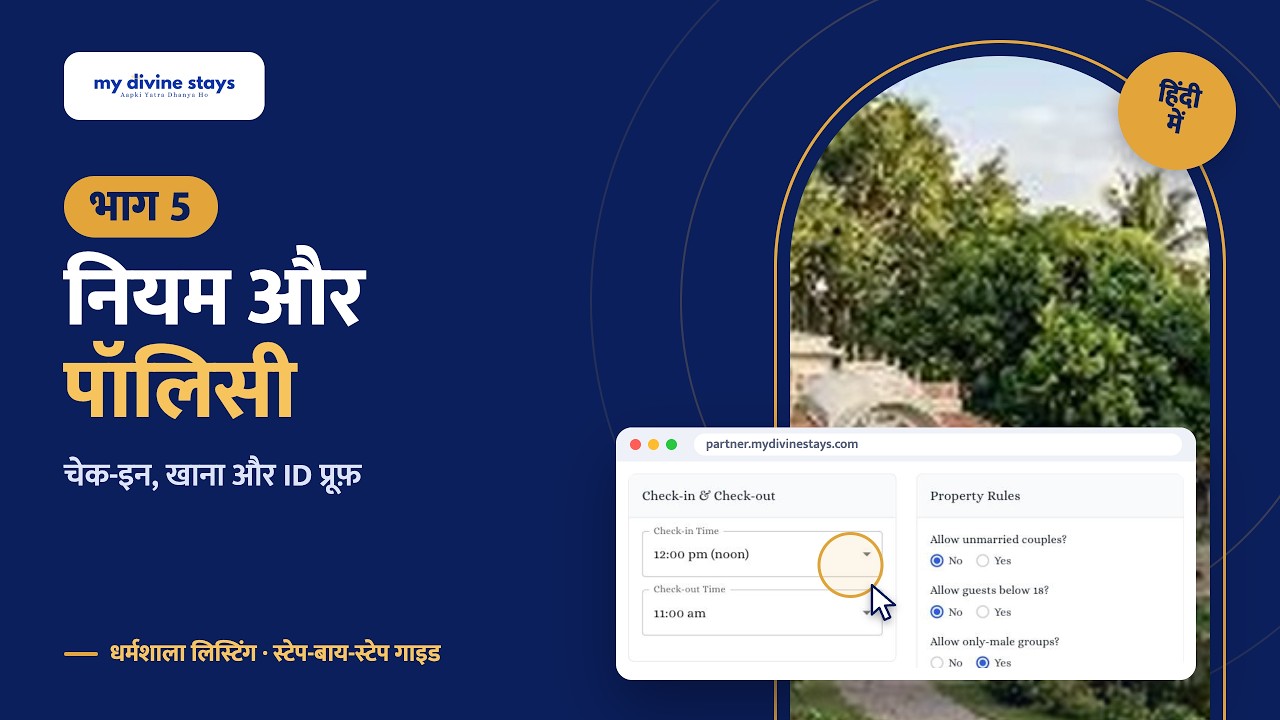
Part 5
Rules and policies
Check-in times, house rules, ID proofs and meals.
1:58
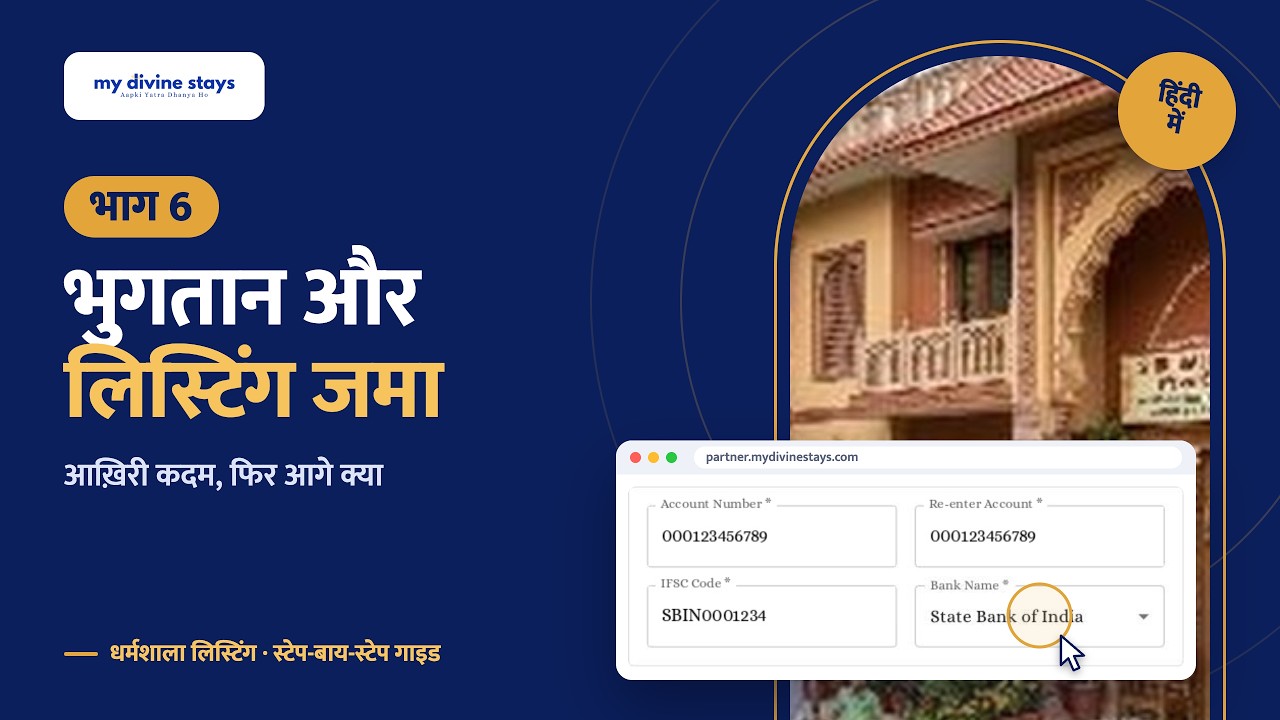
Part 6
Payment and submission
Bank details, submitting your listing and what happens next.
Ready to list your property?
It's free. Need help? Write to support@mydivinestays.com